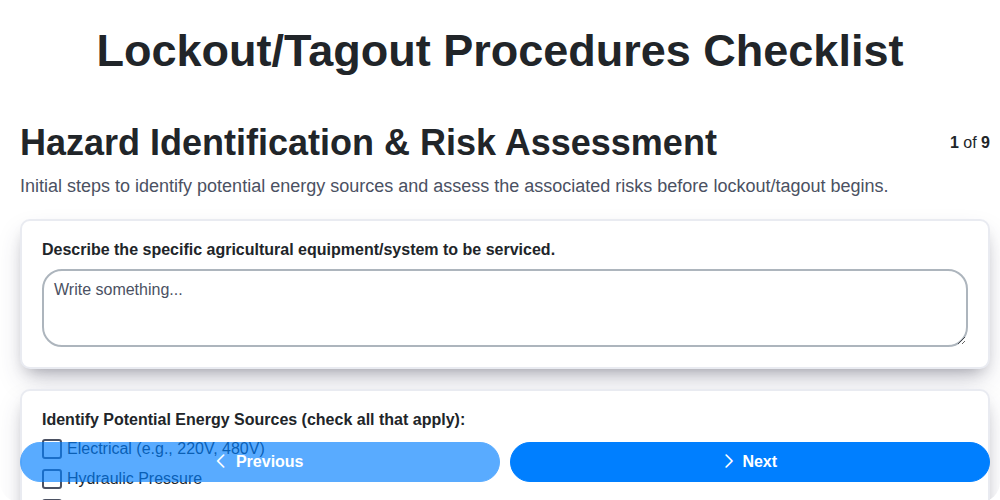
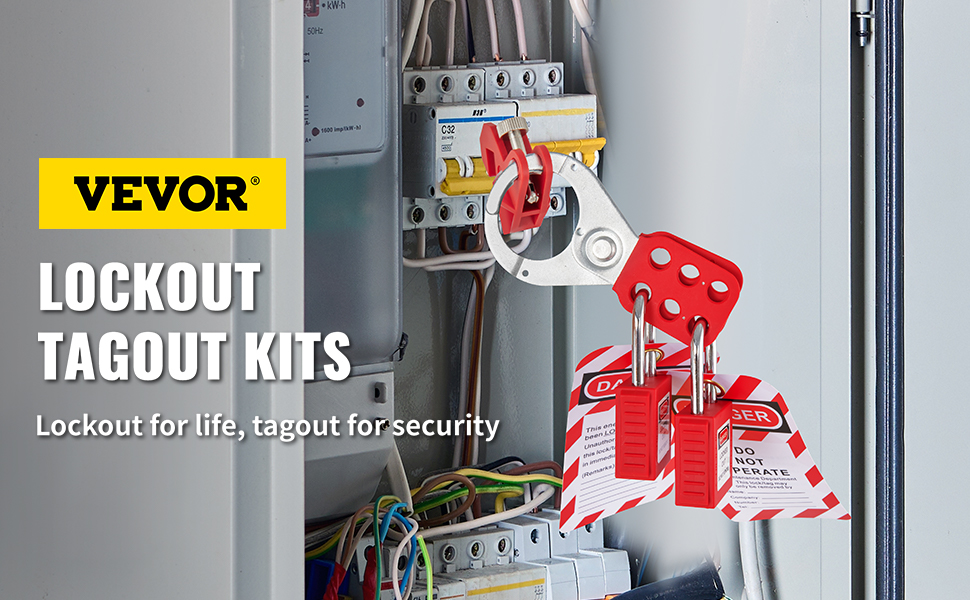
Most workplaces don’t fail because they lack safety rules—they fail because those rules aren’t operational. A sample lockout tagout procedure form is more than a compliance checkbox. It’s the backbone of a functional energy control program that prevents accidental startups, protects maintenance workers, and avoids costly downtime. Yet, too many companies use generic templates that don’t reflect actual equipment, workflows, or hazards. The gap between a paper-compliant LOTO program and an effective one often comes down to one thing: the quality of the procedure form.
This article delivers a practical, customizable sample lockout tagout procedure form framework, explains how to adapt it, and reveals the pitfalls that turn well-intentioned safety documents into liability risks.
What a Lockout Tagout Procedure Form Actually Does
A lockout tagout (LOTO) procedure form isn’t just paperwork—it’s a step-by-step roadmap for isolating hazardous energy sources during maintenance or servicing. Its primary purpose is to eliminate ambiguity. Without a clear, site-specific form, workers rely on memory, assumptions, or informal practices, which increases the risk of injury.
A strong form accomplishes three things:
- Standardizes the process – Every technician follows the same verified steps.
- Documents accountability – Who applied locks, verified isolation, and cleared the area.
- Supports training and audits – Serves as a reference during onboarding and safety reviews.
The form is not a one-size-fits-all document. It must match the equipment, energy types (electrical, pneumatic, hydraulic, thermal, etc.), and the physical environment.
Key Elements of an Effective Sample LOTO Procedure Form
A high-quality sample lockout tagout procedure form includes structured, non-negotiable fields. Below is a breakdown of essential components with real-world relevance.
1. Equipment Identification Clearly define the machine or system. Include:
- Equipment name and ID number
- Location (building, floor, zone)
- Manufacturer and model (if applicable)
Example: “Hydraulic Press – Model HX-3200, ID: PR-204, Production Floor, Zone B”
2. Energy Source Inventory List every energy source that must be controlled. Use plain language.
| Energy Type | Source Description | Isolation Method |
|---|---|---|
| Electrical | 480V main disconnect | Lockout breaker |
| Hydraulic | Accumulator pressure system | Bleed valve + lock |
| Pneumatic | Compressed air line | Close valve, bleed, lock |
Generic forms often skip detail here, leading to missed isolation points.
3. Step-by-Step Lockout Sequence
This is the core. Steps must be sequential, observable, and unambiguous. Avoid vague terms like “secure the system.”
- Correct:
- Shut down the machine using the emergency stop button.
- Open the main disconnect switch and visually confirm it’s off.
- Apply personal lock and tag to the disconnect.
- Open the hydraulic bleed valve and confirm pressure reads 0 PSI.
- Lock the bleed valve in the open position.
Incorrect: - “Isolate power and fluids.” (How? Which valves? How verified?)
4. Verification of Isolation
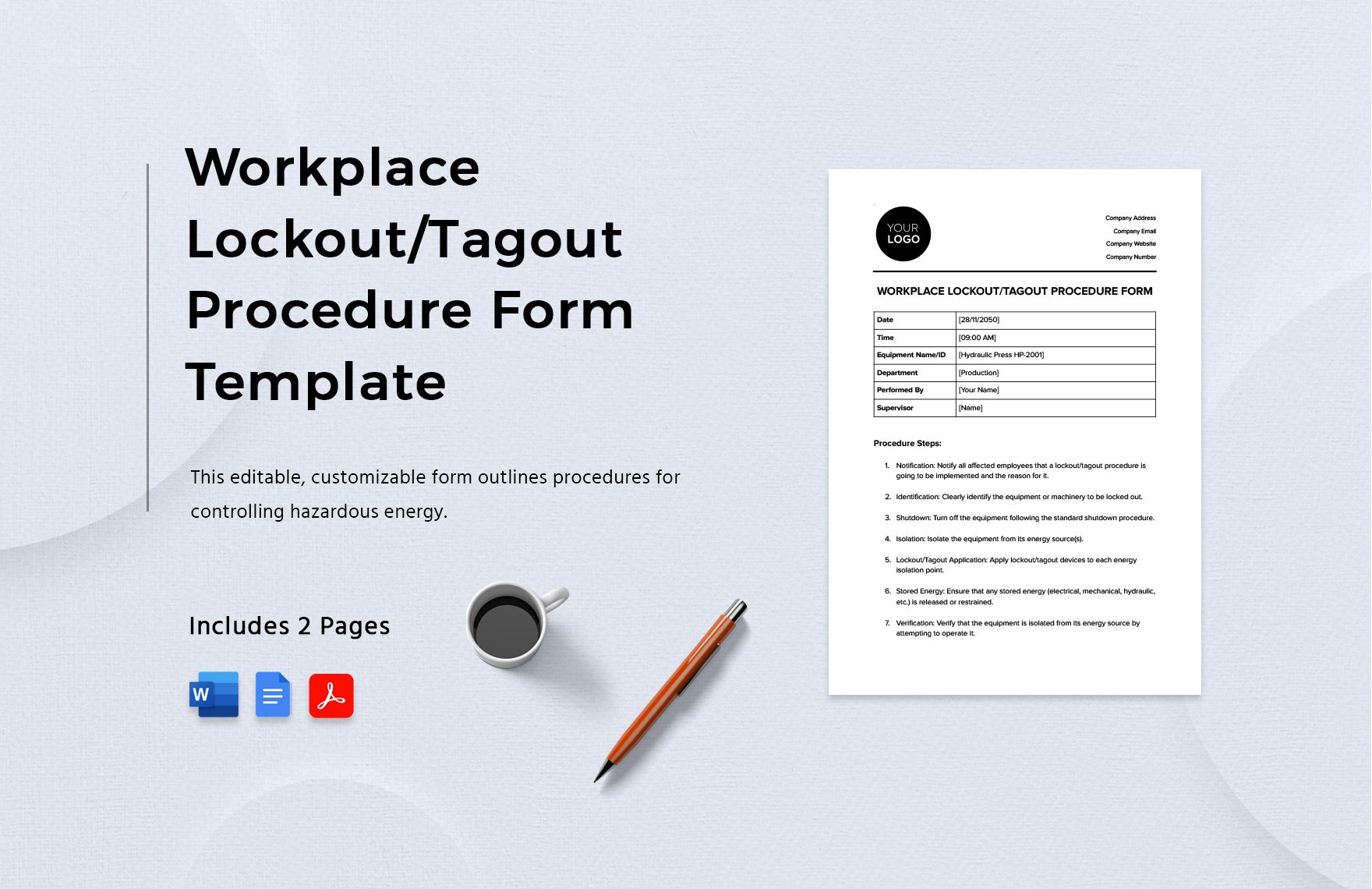
This step is where many LOTO failures occur. The form must require proof that zero energy exists. Include: - Method of verification (e.g., test button, voltage meter, gauge reading) - Signature or initials of the authorized employee
Tip: Require a “live-dead-live” test for electrical systems—verify power is off, test the tester on a known live source, then retest.
5. Group Lockout Coordination (if applicable) If multiple workers are involved:
- Designate a primary authorized employee
- Use a group lockout box
- List all personnel applying locks
Include a lockout log section for names, lock IDs, and timestamps.
6. Release and Restart Protocol Equally important: how to safely remove locks and restart. Steps include: - Confirm all tools removed - Notify affected employees - Verify area is clear - One-by-one lock removal by each authorized person - Controlled restart by designated operator
Never allow tag removal by someone other than the original installer—unless under an emergency removal procedure (which should be documented separately).
How to Customize a Sample LOTO Form for Your Facility
A downloaded template is useless without customization. Here’s how to make it work:
Conduct a Machine-Specific Hazard Assessment Walk through each piece of equipment with maintenance staff. Identify: - All energy sources - Isolation points (disconnects, valves, bleed ports) - Stored energy risks (springs, capacitors, suspended loads)
Use photos or diagrams to annotate the form.
Involve the People Doing the Work Maintenance techs know where the gaps are. If the form says “lock valve V-12,” but V-12 is buried behind a panel, the procedure will fail. Their input ensures realism.
Match Your Lockout Hardware If your facility uses keyed group lockout boxes, color-coded locks, or electronic LOTO systems, the form should reflect that. For example: - “Place personal lock on Group Lockout Station #4, Slot B” - “Scan RFID tag to log isolation”
Review and Update Annually Equipment changes. Processes evolve. A LOTO form from three years ago may not reflect a retrofit. Schedule annual audits and updates.
Common Mistakes That Invalidate LOTO Procedures
Even with a solid form, implementation often falls short. These errors undermine safety and OSHA compliance:
- Using a single form for multiple machines – A press isn’t a conveyor. Each needs its own procedure.
- Skipping verification – “I assumed it was off” isn’t a strategy.
- Allowing tags without locks – Tags are warnings; locks are physical barriers. Never use tags alone unless lockout is impossible (and then only under OSHA’s tagout-only exception).
- Poor training – Authorized employees must practice the procedure, not just read it.
- Failing to include stored energy – A flywheel that coasts for 30 seconds after shutdown is a hazard.
One plant had a fatality because the LOTO form listed “shut off power” but didn’t require verifying that a spinning drum had stopped. Stored mechanical energy was ignored.
Real-World Use Case: Applying a Sample LOTO Form to a Conveyor System

Let’s walk through how a sample lockout tagout procedure form works in practice.
Equipment: Roller Conveyor, Line 3, Packaging Area Hazards: Electrical (240V motor), Mechanical (moving belts, pinch points), Gravity (loaded rollers)
- Procedure Snippet:
- Notify supervisor and affected employees of upcoming maintenance.
- Press E-stop on control panel HMI.
- Open motor disconnect cabinet, verify power is off using a multimeter (test phase-to-phase and phase-to-ground).
- Apply personal lock and tag to disconnect handle.
- Depressurize pneumatic brake cylinder via manual bleed valve; confirm 0 PSI.
- Place mechanical block under the conveyor bed to prevent downward movement from gravity.
- Verify isolation: Attempt to restart via HMI (machine should not start).
This form includes photos of the disconnect location and bleed valve, avoiding confusion in a cluttered electrical room.
Sample Lockout Tagout Procedure Form Template (Editable Framework)
Below is a condensed version you can adapt. Use this as a base—never deploy it without tailoring.
LOCKOUT TAGOUT PROCEDURE Equipment: _________________________ ID: ___________ Location: _________________________
Energy Sources to Isolate: ☐ Electrical (Main Disconnect: _____) ☐ Hydraulic (Valve: _____) ☐ Pneumatic (Bleed Point: _____) ☐ Mechanical (Spring/Gravity: _____) ☐ Thermal (Heated Element: _____)
- Step-by-Step Lockout:
- ______________________________________________________
- ______________________________________________________
- ______________________________________________________
- Verify zero energy using: ___________________________
- ______________________________________________________
Authorized Employee: _______________ Time: ____:____ Lock ID: _______ Tag #: _______
- Group Lockout? ☐ Yes – Use Lockout Box #____ Personnel Applying Locks:
- _______________ (Lock ID: ____)
- _______________ (Lock ID: ____)
Release Procedure: ☐ Tools removed ☐ Area clear ☐ All locks removed by original installers ☐ Restart authorized by: _______________
Last Reviewed: __ / __ / ______
Tools and Resources for Building LOTO Procedures
While forms can be created in Word or Excel, dedicated tools improve consistency and compliance tracking.
| Tool | Key Features | Best For |
|---|---|---|
| EHS Insight | Digital LOTO workflows, mobile access, audit trails | Mid to large facilities with multiple sites |
| LockoutWorks | Pre-built templates, diagram tools, training modules | Fast rollout with OSHA alignment |
| iAuditor by SafetyCulture | Customizable checklists, photo uploads, real-time reporting | Field-based teams and audits |
| FACILITi by Accruent | Integrates with CMMS, tracks lock assets | Plants using work order systems |
| Google Forms + Drive | Free, simple, shareable | Small operations on a budget |
Choose based on your scale. A 10-person shop doesn’t need enterprise software. But if you manage hundreds of machines, digital tracking pays for itself in reduced risk and audit prep.
Final Thoughts: A LOTO Form Is Only as Good as Its Use
A sample lockout tagout procedure form isn’t valuable because it exists—it’s valuable because it’s used correctly, every time. The most compliant-looking document won’t stop an injury if workers bypass it “just this once.”
Customize your forms for real equipment. Train rigorously. Audit regularly. And never treat LOTO as paperwork. It’s a life-saving sequence that demands precision.
Start with a solid sample, adapt it ruthlessly to your environment, and enforce it with consistency. That’s how you turn a form into a fortress.
Frequently Asked Questions
What should a lockout tagout procedure form include? It must list equipment details, energy sources, step-by-step isolation steps, verification methods, and release procedures. Personal accountability fields (name, lock ID, time) are required.
Can I use the same form for multiple machines? No. Each machine has unique energy sources and isolation points. Use separate, machine-specific forms.
Do I need both lockout and tagout? Yes. Locks physically prevent startup; tags communicate why the lock is in place. Tags alone are only allowed in specific OSHA-defined cases.
Who can perform lockout tagout? Only authorized employees trained in energy control procedures. Affected employees (operators) are not authorized to perform LOTO.
How often should LOTO procedures be reviewed? Annually, or whenever equipment, processes, or controls change.
Can a LOTO form be digital? Yes. OSHA accepts electronic procedures if they are accessible, secure, and include signatures or verification logs.
What happens if someone removes a lock without permission? It’s a serious safety violation. Only the original installer or, in emergencies, a designated supervisor following a formal removal process should unlock.
FAQ
What should you look for in Sample Lockout Tagout Procedure Form for Workplace Safety? Focus on relevance, practical value, and how well the solution matches real user intent.
Is Sample Lockout Tagout Procedure Form for Workplace Safety suitable for beginners? That depends on the workflow, but a clear step-by-step approach usually makes it easier to start.
How do you compare options around Sample Lockout Tagout Procedure Form for Workplace Safety? Compare features, trust signals, limitations, pricing, and ease of implementation.
What mistakes should you avoid? Avoid generic choices, weak validation, and decisions based only on marketing claims.
What is the next best step? Shortlist the most relevant options, validate them quickly, and refine from real-world results.